Loading screens exist because a game must copy and decompress data (the engine, level geometry, textures, sounds, and other assets) from storage into RAM and video memory before play can begin. How much data is involved depends on the level and asset quality, and how long it takes depends on your hardware, mainly the speed of your drive.
I’ve been playing video games for more than 10 years, but one thing I still struggle with is waiting patiently while the game ‘loads’, i.e. when the ‘loading screen’ occupies the monitor. This is, for me, one of the most irritating parts of my gaming experience, especially when I’m playing one of my favorite games.
If you’re a gamer too, then you know all about the loading screens of video games that you play on gaming consoles, desktops or laptops. In fact, even the games that you play on your smartphones these days have loading screens.
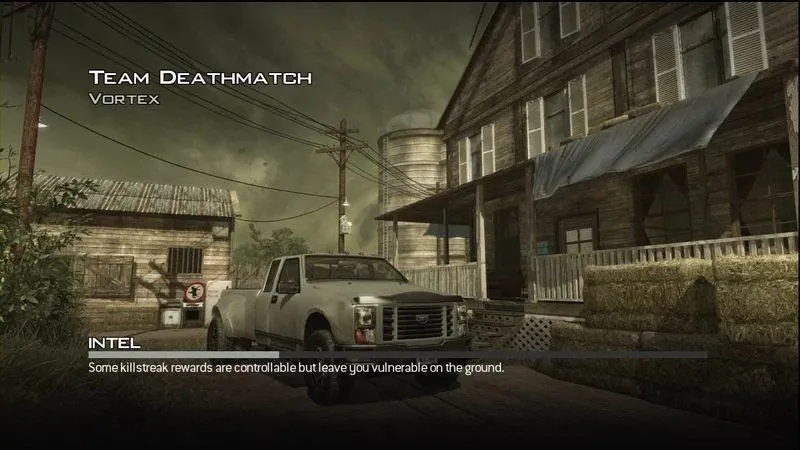
While waiting for that cursed progress bar that always seems to crawl across the screen, have you ever wondered why loading screens exist? More specifically, what exactly happens while a video game ‘loads’?
Loading Screen
A loading screen is most likely one of the first things that you come across when you first open a video game. It’s usually a picture displayed by a computer program while the game initializes or ‘loads’.
If you’re into video games, then you would know that loading screens do not necessarily have to be static pictures; some loading screens feature a timer countdown or a progress bar to display how much data has loaded. In fact, modern loading screens have become quite aesthetically appealing and offer a chance for artists and game developers to be creative.
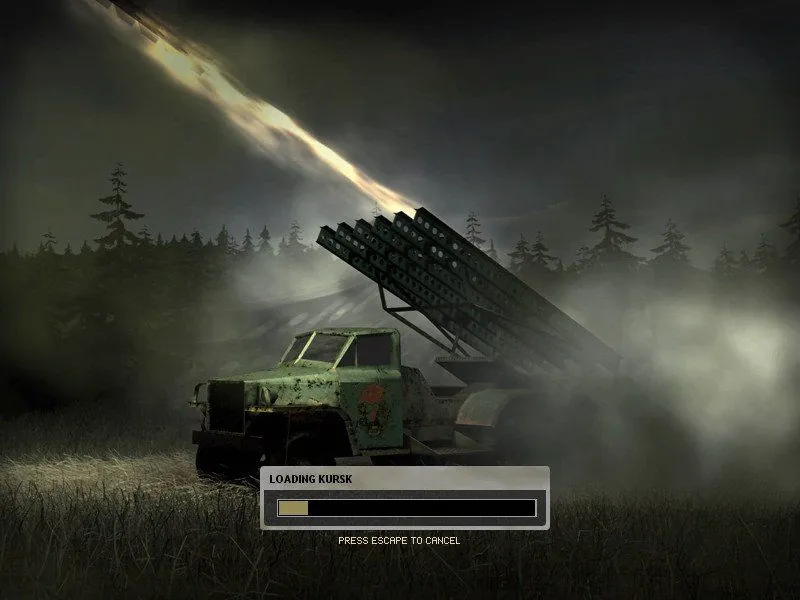
Loading screens are also commonly used to provide important information about the upcoming stage/challenge, convey game-related tips and tricks, or keep the user entertained/engaged in other ways while the game loads.
What Happens In The Background While The Game Loads?
This entirely depends on the game in question, as different games have different approaches. As a general rule of thumb, the size of the level and the quality of the assets (sounds, graphics etc.) affect the amount of data that needs to be loaded, and the computer hardware you are using defines how long it takes to load those assets.
Furthermore, the higher the quality of the game, the greater are the basic requirements of the game engine. Modern, advanced game engines are quite ‘heavy’ to begin with and must also be loaded. This further adds to the loading time of the game.

The Real Work Behind ‘Loading’ A Game
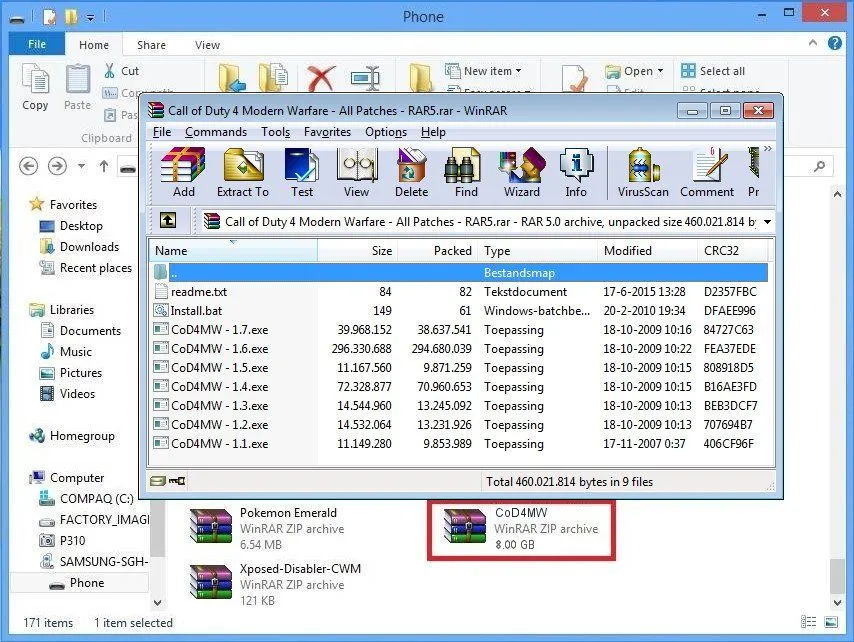
When a developer makes and tests a game, they do so in its complete form, but they have to figure out the best or most efficient way to deliver that game to you, i.e., the players. For that, they ‘break’ the game into pieces and compress it down into a tightly wrapped package. ZIP and JAR files are very good examples of this.
Before the game is started, data (stored in your hard drive) is moved from the slow hard disk to the faster computer memory (RAM) and video-card memory storage. Then, data is decompressed from its highly packed format (which takes up less space on the drive), which is computationally difficult to access, into unpacked formats that are comparatively easier to access.
Then, the engine generates large dynamic levels, texture geometry and other crucial structures from templates or through some pre-defined algorithm. Furthermore, if it’s a network-enabled game, it verifies local data with a remote server and downloads levels, and does a bunch of other stuff that depends on your local machine’s hardware capabilities and Internet speed.
There are also some games (especially on smartphones) that do practically nothing for a while, allowing them to show you advertisements during that time. When all of those processes are finished, we say that the game has ‘loaded’ completely, and only then does the game start.
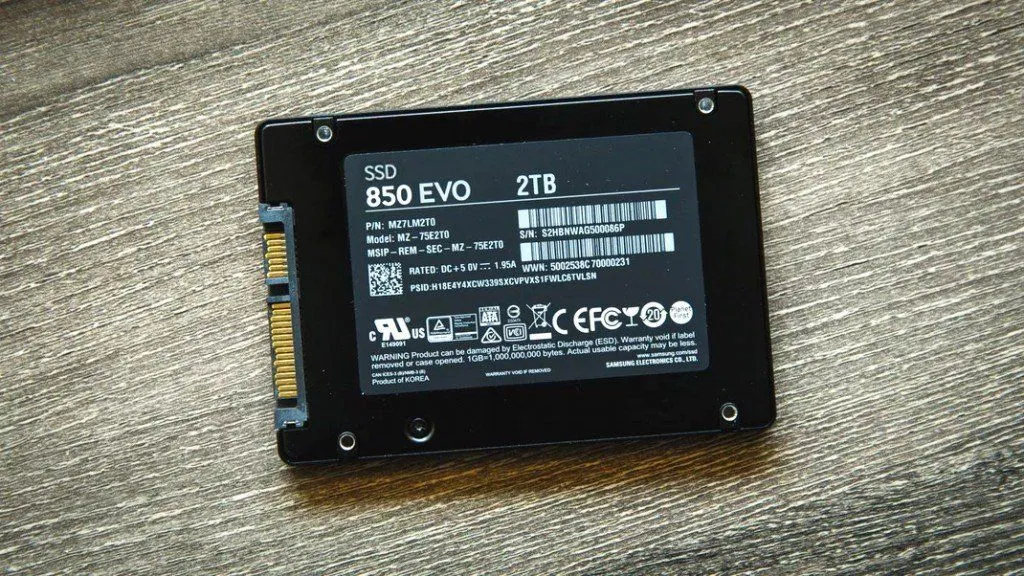
In a nutshell, a game loads into a computer’s memory after quite a few steps, which, as you can imagine, takes some time (a few seconds to a couple minutes). However, with processors getting faster than ever, the advent of solid state drives (SSDs) and the ubiquity of high-capacity RAMs, game load-times have reduced measurably. I can say this from personal experience that when you replace the traditional hard disk drive in your computer with a solid state drive, games load at least 30-40% faster than before.
The current generation of consoles took this a step further. When the PlayStation 5 and Xbox Series X launched in late 2020, both shipped with high-speed solid state drives and a dedicated chip that handles the decompression we talked about earlier. Remember, that unpacking step is often the real bottleneck, since the processor has to expand all those tightly compressed files before the game can use them. By moving that job to specialized hardware, these consoles shrank loading times that used to last a minute down to just a few seconds. On Windows PCs, Microsoft’s DirectStorage technology chases the same goal, handing the decompression work to your graphics card (Nvidia calls its version RTX IO) instead of bogging down the CPU.
So, how fast/slow a particular game loads on your device not only depends on the quality of the game in question, but also on the kind of hardware you’re using to run it.
Why Were Loading Screens Boring For So Long?
If you have ever wondered why older games just showed you a static picture and a spinning icon instead of letting you do something fun while you waited, part of the answer is surprisingly a legal one. Back in 1994, the Japanese studio Namco filed for a patent (US 5,718,632) covering the idea of an “auxiliary game” that a player could enjoy while the main game loaded in the background. The patent was granted in 1998, and for nearly two decades Namco effectively owned the concept of the playable loading screen.

Namco showed off the idea in the original Ridge Racer on the Sony PlayStation. While the racing game loaded off the CD, you could play a full round of the arcade classic Galaxian, and clearing it before the load finished earned you an in-game bonus in Ridge Racer itself. The catch was that everyone else had to steer clear of the idea, or pay Namco to license it. That is a big reason why most studios simply fell back on static artwork, gameplay tips, and lore snippets to fill the wait. The patent finally expired on 27 November 2015, and developers were suddenly free to build mini-games into their loading screens again, something that even inspired a community “Loading Screen Jam.”
How Do Some Games Hide (Or Even Skip) Their Loading Screens?
Game designers know that a loading screen breaks the spell, so many modern titles work hard to hide the wait rather than show it. One classic trick is the slow elevator. In the original Mass Effect, stepping into a Citadel lift meant standing through a long ride while your squadmates chatted, and that ride quietly gave the engine time to unload the area you left and stream in the next one. The wait was so notorious that the remastered Legendary Edition later added an option to skip it.
You have probably squeezed through plenty of narrow gaps and crawl spaces without realizing they do the same job. Whenever a game slows you to a crawl through a rock crevice or a half-open door, it can quietly dump the level behind you and start loading the level ahead. Naughty Dog’s Kurt Margenau, a game director on The Last of Us Part II, explained that studios “used squeeze-throughs to valve the player,” both to control pacing and to buy the engine time to load. This trick of loading assets in small chunks in the background, rather than all at once, is known as streaming, and when it is done well you never see a progress bar at all. God of War (2018) famously plays as a single unbroken shot from start to finish, with no camera cuts and no loading screens, precisely because the world is streamed in behind the action.
When A Loading Screen Is Just Bad Code
Not every long loading screen is your hardware’s fault. Sometimes the game itself is simply doing the job badly. The most famous example is Grand Theft Auto Online, which for roughly seven years made players sit through loading times of around six minutes, even on fast machines. In 2021, a programmer who goes by the handle t0st decided to find out why. After reverse-engineering the game, they discovered that it was choking on a single startup task: reading a roughly 10-megabyte text file that listed more than 63,000 in-game store items.
The problem was a wildly inefficient routine that re-scanned that list over and over, running close to two billion redundant checks before the game could even start. t0st wrote a small unofficial fix that cached the results and skipped the duplicate work, and it cut the load time by about 70 percent, from six minutes down to under two. The story has a happy ending: rather than being annoyed, Rockstar Games reviewed the work, paid t0st a $10,000 reward through its bug bounty program, and rolled an official version of the fix into the game. It is a neat reminder that a loading screen is really just the game asking your computer to do a lot of work, and that work can always be done smarter.
References (click to expand)
- Five Common Game Design Mistakes to Avoid. nyfa.edu
- M Guzdial. Game Engine Learning from Video. The Georgia Institute of Technology
- Accelerating Load Times for DirectX Games and Apps with GDeflate for DirectStorage. NVIDIA Developer Blog
- The Loading Screen Game Patent Finally Expires. Electronic Frontier Foundation
- US5718632A - Recording medium, method of loading games program code means, and games machine. Google Patents
- Mass Effect Legendary Edition includes the option to skip the elevator loading screens. GamesRadar+
- We've Been Squeezing Through Cracks In Games Like Uncharted For Longer Than You Think. TheGamer
- Hacker improves GTA Online load times by 70 percent with a simple DLL. TechSpot
- Rockstar awards $10K bounty to GTA Online player who solved load time issue. Game Developer